
A Custom Fan Riser for a Client's Humidity-Triggered Bathroom Fan
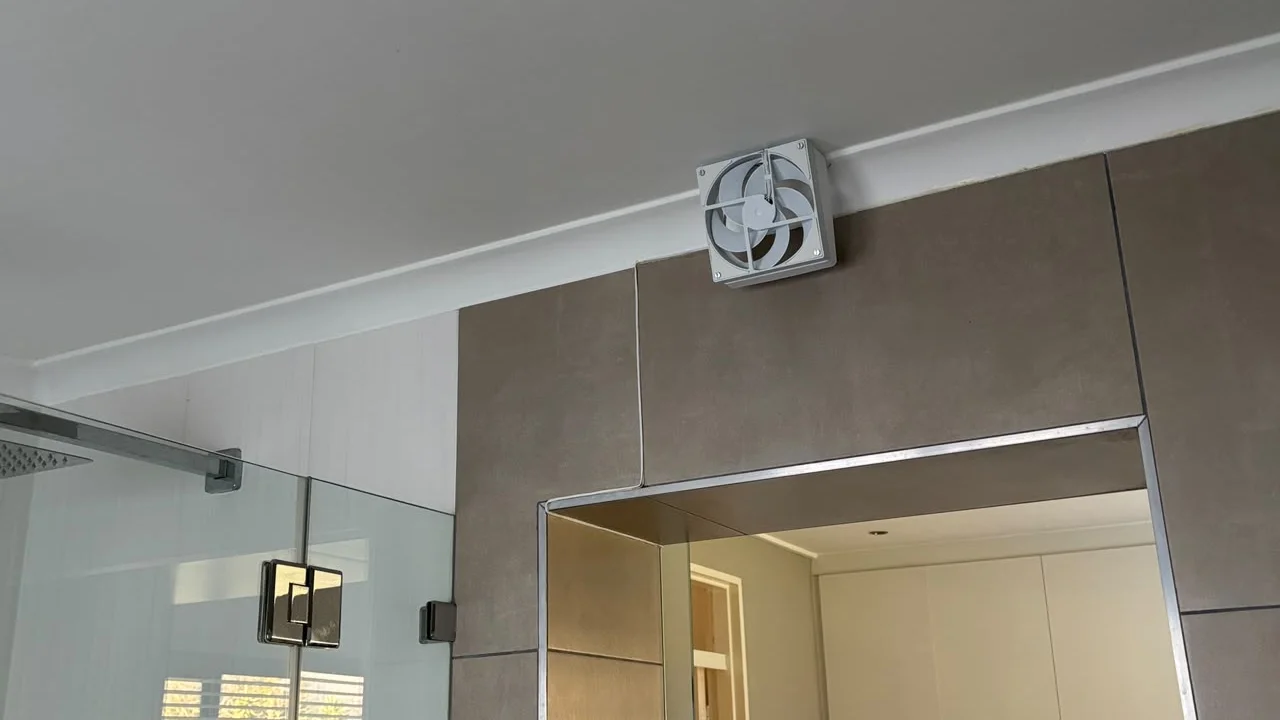
Not every commission is a display piece. This one was a client's bathroom renovation — an existing vent opening above the shower, an off-the-shelf case fan that didn't natively fit it, and a plan to have the whole thing switch on by itself whenever the room gets steamy.
The brief
The vent sits at an angle in the ceiling void, above a mirror-clad wall next to the shower. A standard case fan doesn't just sit in a gap like that — it needs a housing that holds it square to the airflow, mounts securely to the existing frame, and doesn't look like an afterthought once it's installed.
Printing the riser
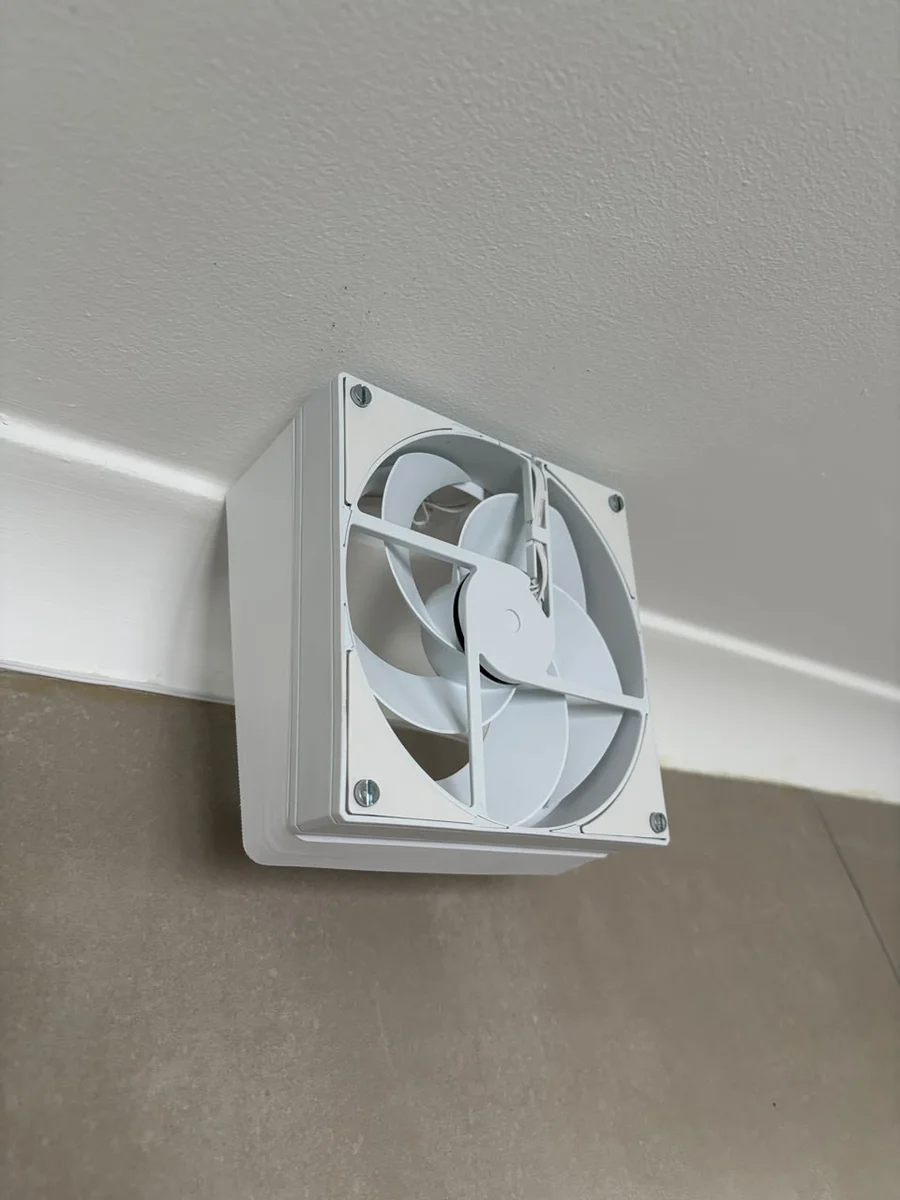
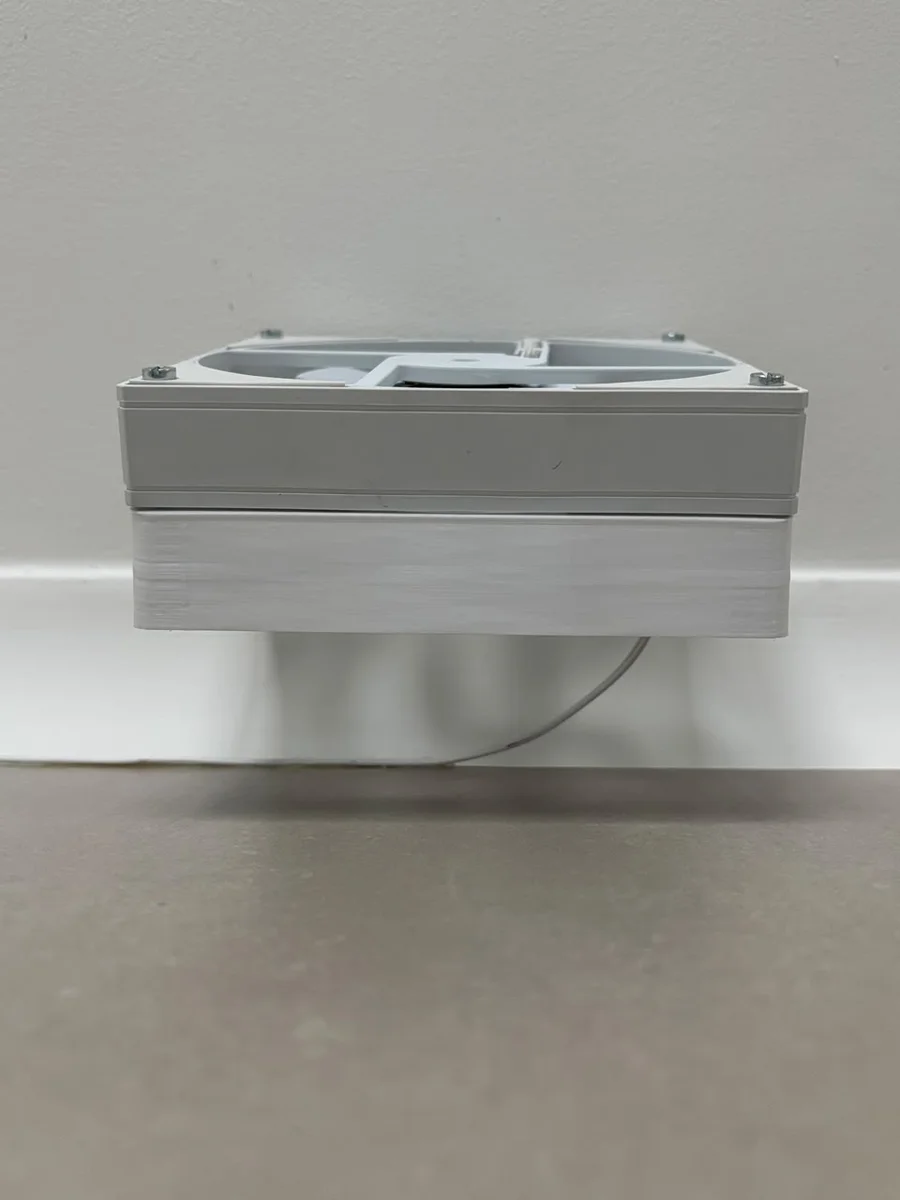
The client had already sourced the right design — a 140mm angle fan riser from MakerWorld, a single printed part with an angled wedge that packs into the vent void at the correct angle and the fan's mounting holes and grille cutout built straight into the faceplate. He sent us the STL, and we took it from there — checking it against the fan and vent dimensions, slicing it, and printing it.
We printed it in PETG rather than our usual PLA — sitting directly above a shower, it needed to handle steam and humidity day after day without softening or warping, and PETG shrugs that off far better.
Once printed, it mounts flush into the existing opening — clean lines, no visible gap, and the fan sits perfectly square to the vent.
The smart side
The part we printed is just the housing — the automation is all the client's own work, and it's a nice bit of kit:
- Smart plug: a Tuya-based plug from SmartPad, controlled locally by Home Assistant rather than over the cloud
- Fan: an ID-COOLING AS-140-W 140mm case fan from Wootware, chosen to match the white housing
- Power supply: a 500mA regulated AC-DC adapter from Communica
Everything's wired together through Wago connectors — no soldering required. A humidity sensor feeding into Home Assistant handles the automation: once the bathroom's humidity climbs past a set threshold, the fan switches on by itself, and steps back down once things clear up.
Running the smart plug locally through Home Assistant instead of the manufacturer's cloud app is exactly the kind of setup we're into — it's the same approach behind our own printer-monitoring dashboard, just applied to a bathroom fan instead of a print farm.
Got a part that needs to fit an awkward space?
Whether you've already got an STL like this client did, or you're starting from nothing, send us a WhatsApp with the details — we'll print it if it's ready to go, or design it from scratch if it isn't.